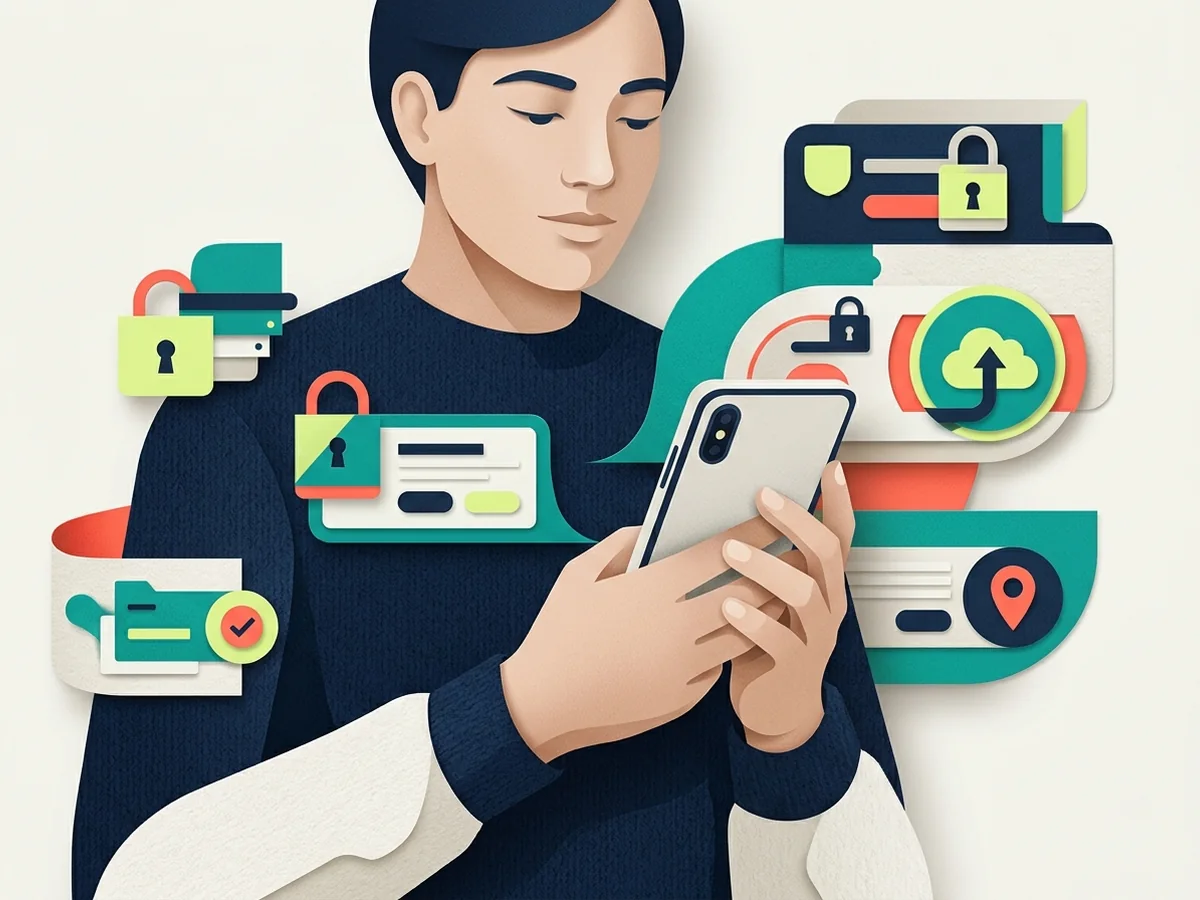
Stalkerware safety: protect access, safety, and evidence first
Stalkerware and account misuse can expose location, messages, calls, photos, browsing, or microphone access. The same signs can also have ordinary technical causes, so no battery or data symptom proves monitoring on its own.
Removing an app, resetting a phone, or changing sharing can alert an abuser and erase evidence. The safest technical action depends on physical safety, housing, children, finances, legal needs, and whether another private device is available.
Do not let evidence collection increase personal danger
Use a safer device and plan with an appropriate specialist before changing settings that a monitoring person may notice. Preserve only what can be collected safely, and do not store the response plan inside the account or phone that may be watched.
Work in this order unless immediate safety changes it
Move help-seeking to a safer device
Use a trusted person's device, a library or advocacy resource, or another account the suspected monitor has never accessed.
Build a safety plan
With a qualified advocate, consider immediate danger, safe contacts, emergency options, important documents, finances, children, and the safest time for technical changes.
Map likely access
Review shared accounts, device lists, family groups, location sharing, carrier access, vehicle apps, smart-home accounts, passcodes, and physical device access.
Preserve evidence appropriately
Record dates and behavior through a safe method. Seek local guidance on evidence, reporting, workplace devices, and legal orders.
Change technology as part of the plan
Options may include new credentials from a clean device, ending sharing, removing management, updating, a new account, or a factory reset - But only at the safer time.
Let the signal determine the next owner
| Signal or evidence | What may be happening | Response or owner |
|---|---|---|
| Person knows private conversations or locations | Shared account, physical access, tracker, vehicle, or stalkerware | Use a safer device and specialist support to map access without alerting them |
| Battery or data use rises | Monitoring is one possibility among many | Do not rely on the symptom alone; document it and seek a safety-led review |
| Unknown admin, profile, or accessibility service | Software may have elevated control | Photograph or record it safely and get qualified help before removal |
| New phone repeats the problem | A shared account, restore, carrier, or external tracker may persist | Review the wider account and physical ecosystem, not only the handset |
Close the route back in and watch for downstream harm
Safety comes before diagnosis
Do not confront the suspected monitor or make visible changes solely because a checklist suggests them.
Accounts may matter more than malware
Shared Apple or Google accounts, family plans, cloud photos, location sharing, vehicles, carrier portals, and known passcodes can expose data without a hidden app.
Use a genuinely safer channel
Private browsing on the suspected phone may still be visible through the device, account, network, or monitoring software.
Evidence needs a plan
Screenshots on a monitored device may sync to the other person. A specialist can help decide what to record, where to store it, and when to involve authorities.
Put personal safety before a technically perfect device cleanup
A monitored person may be placed at greater risk if an abusive party notices a removed app, changed password, disabled sharing setting, or lost access. Do not make abrupt changes solely because a scan or checklist found something suspicious. Use a safer device and contact a trusted specialist who can help plan around the person's circumstances.
Consider the wider system, not only installed apps. Family accounts, cloud photo sharing, location groups, carrier access, vehicle services, home cameras, account sessions, and physical access can reveal information without classic stalkerware. Record observed behavior and account changes without using the affected device to store a plan that must remain private.
When it is safe to act, preserve what may be needed before resetting or replacing the device. A factory reset can remove software but may also remove evidence, and restoring the same account or backup may recreate unwanted access. Rebuild account recovery, review trusted devices, and confirm who controls the phone number and cloud account.
What people ask while responding
Will antivirus always find stalkerware?+
No. Detection varies, and monitoring may use legitimate sharing or account access rather than malware. A clean scan does not resolve the safety concern.
Should I factory-reset the phone?+
A reset may help technically, but it can alert the monitor, erase evidence, and restore the same exposure from a shared account or backup. Include it in a safety plan.
Can I use this page on the phone I suspect?+
If monitoring is possible, assume browsing may be visible. Move to a safer device and use local survivor-support resources for personalized guidance.
Continue the recovery beyond this incident
A phone is also an account-recovery device, privacy sensor, and gateway to stored conversations. Use the Mobile security hub for the complete topic pathway, then continue with App permissions guide, Location data control, and Mobile malware protection.
If a normal channel may be monitored, choose a safer contact method using the secure messaging guide.
Confirm live response details here
Sources for Stalkerware safety
Confirm current instructions and limits for this specific task before acting.