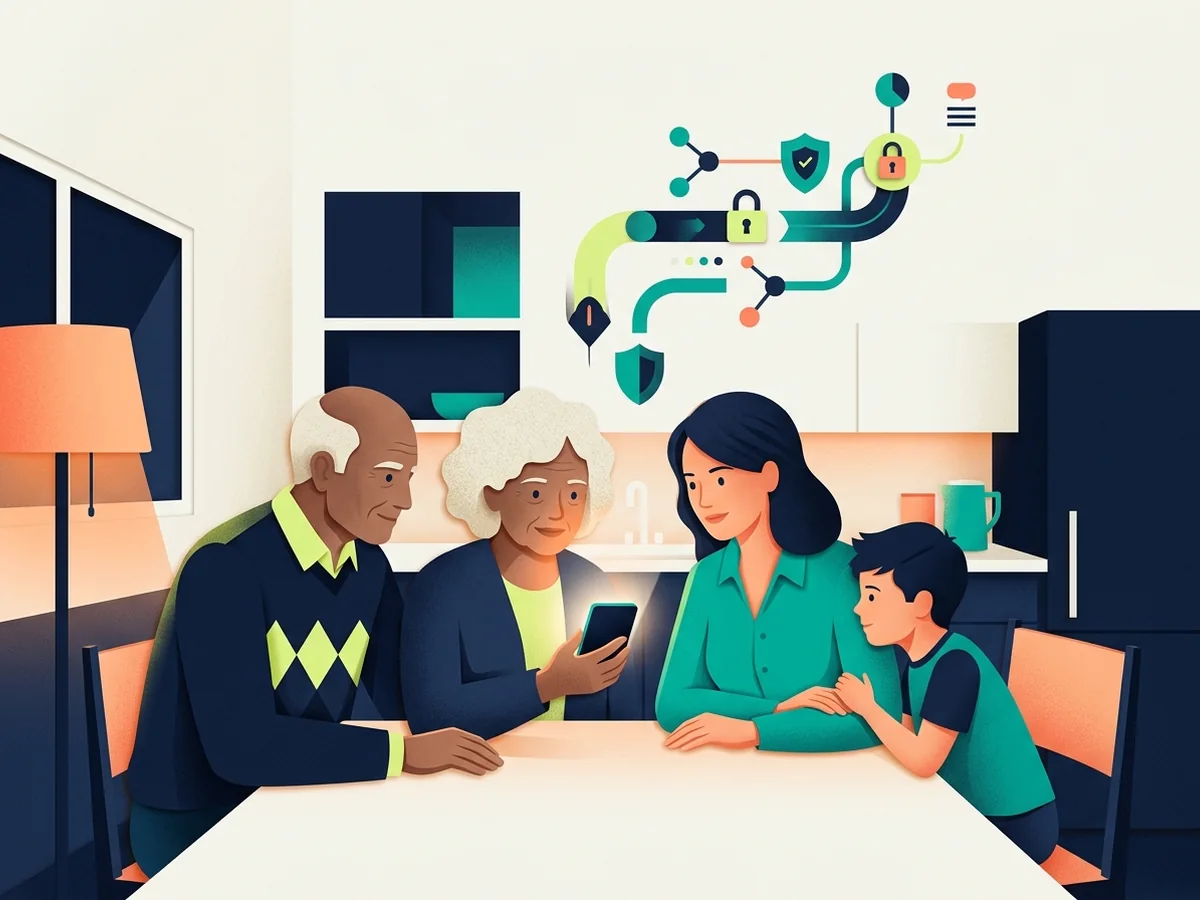
Safe Digital Life

Build healthy and secure digital habits for yourself and your family in an increasingly connected world.

Phishing Email Analyzer

Paste suspicious email content to check for phishing indicators

Creating a Safe Digital Environment

Living safely in the digital age requires developing good habits, understanding risks, and implementing protective measures across all aspects of your online life. This guide will help you and your family stay safe online.

Fundamental Digital Safety Principles

Think Before You Click

Always verify links and attachments before clicking, especially in emails or messages.

Protect Your Personal Information

Be cautious about what personal information you share online and with whom.

Use Strong Security

Implement strong passwords, two-factor authentication, and keep software updated.

Stay Informed

Keep up with current cyber threats and security best practices.

Safe Browsing Habits

Verify Website Security

Look for HTTPS and the padlock icon in your browser before entering sensitive information.

Use Private Browsing

Use incognito or private browsing mode when using shared or public computers.

Clear Your Browser Data

Regularly clear cookies, cache, and browsing history to protect your privacy.

Download Safely

Only download files from trusted sources and scan them with antivirus software.

Avoid Suspicious Websites

Be wary of websites with poor design, spelling errors, or too-good-to-be-true offers.

Digital Safety Guides

Email Safety Best Practices

Email remains one of the most common vectors for cyber attacks. Protect yourself with these practices:

  • Never click links or download attachments from unknown senders
  • Verify sender email addresses carefully, even if the name looks familiar
  • Be suspicious of urgent requests for personal information or money
  • Look for telltale signs of phishing like poor grammar or generic greetings
  • Hover over links to preview the actual URL before clicking
  • Use separate email addresses for different purposes (personal, work, shopping)
  • Report phishing emails to your email provider

Social Media Safety

Manage Privacy Settings

Regularly review and update your privacy settings on all social media platforms.

Be Selective with Friend Requests

Only accept friend or connection requests from people you actually know.

Think Before Posting

Remember that anything posted online can be permanent and widely shared.

Avoid Oversharing

Don't share personal details like your address, phone number, or travel plans publicly.

Report Suspicious Activity

Report fake accounts, harassment, or suspicious behavior to platform administrators.

Online Shopping Security

Shop safely online by following these guidelines:

  • Only shop on secure websites with HTTPS encryption
  • Use credit cards instead of debit cards for better fraud protection
  • Consider using virtual credit card numbers for online purchases
  • Check seller ratings and reviews before making purchases
  • Be wary of deals that seem too good to be true
  • Keep records of all online transactions
  • Monitor your bank and credit card statements regularly
  • Use secure payment services like PayPal when available

Public Wi-Fi Safety

Use a VPN

Always use a VPN when connecting to public Wi-Fi networks to encrypt your data.

Avoid Sensitive Transactions

Don't access banking or enter passwords on public Wi-Fi without VPN protection.

Disable Auto-Connect

Turn off automatic Wi-Fi connections to prevent connecting to malicious networks.

Verify Network Names

Confirm the legitimate network name with staff before connecting to avoid evil twins.

Digital Safety for Families

Protecting your family online requires education, communication, and appropriate controls:

Open Communication

Talk regularly with family members about online experiences and potential dangers.

Set Clear Rules

Establish family rules about internet use, screen time, and acceptable online behavior.

Use Parental Controls

Implement age-appropriate parental controls and monitoring tools on devices.

Teach Critical Thinking

Help family members develop skills to identify scams, misinformation, and inappropriate content.

Lead by Example

Model good digital habits and security practices for younger family members.

Protecting Children Online

Special considerations for keeping children safe in digital spaces:

  • Supervise young children's internet use and review their online activities
  • Keep computers and devices in common areas when possible
  • Teach children never to share personal information online
  • Explain the permanence of online posts and digital footprints
  • Educate about cyberbullying and encourage reporting inappropriate behavior
  • Use age-appropriate content filters and restrictions
  • Review and approve apps before allowing children to download them
  • Teach children to come to you if something online makes them uncomfortable

Smart Device Security

IoT Device Protection

Change default passwords on smart home devices and keep firmware updated.

Voice Assistant Privacy

Review and delete voice recordings regularly and disable when not needed.

Smart TV Security

Disable cameras and microphones when not in use and review privacy settings.

Network Segmentation

Consider creating a separate network for IoT devices to isolate them from personal devices.

Digital Wellness

Digital safety also includes maintaining healthy relationships with technology:

  • Set boundaries for screen time and device usage
  • Take regular breaks from digital devices
  • Create tech-free zones in your home
  • Practice digital detoxes periodically
  • Be mindful of how social media affects your mental health
  • Develop offline hobbies and relationships
  • Use apps and features that track and limit screen time

Creating Your Family Digital Safety Plan

Regular Security Reviews

Schedule quarterly family meetings to review and update digital safety practices.

Emergency Contacts

Ensure everyone knows who to contact if they encounter online threats or problems.

Backup Important Data

Regularly backup family photos, documents, and important files to multiple locations.

Stay Updated

Keep all family devices and software up to date with the latest security patches.

Additional Resources

For printable family digital safety checklists and guides, visit our Tools & Resources page.